With decoupled authentication the bank carries out an additional form of authentication external to the API integration. This model allows for a number of solutions, for example allowing a user to use their mobile phone to authenticate, or using biometrics for authentication, through a separate terminal, such as a point of sale (POS) device.
See the Token.io API reference for details of the following endpoints used in this integration flow:
Click the image on the right to view a simplified swim lane diagram of the integration flow.
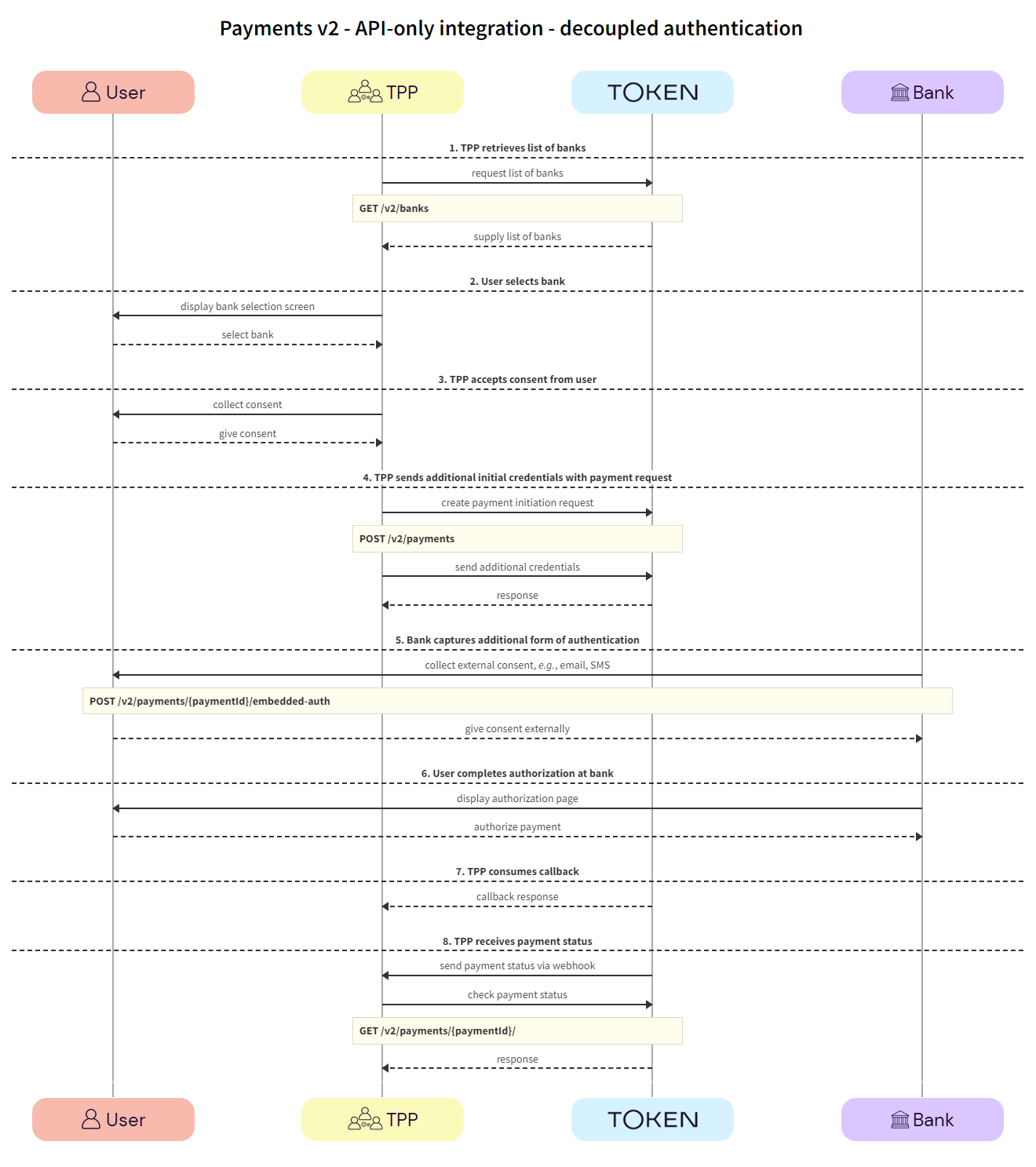
TPPs retrieve the list of available banks using the GET /v2/banks call.
We recommend that this step is performed once daily, outside any payment initiation, e.g., at 11pm UTC, and that the result is cached.
In the GET /v2/banks request, there are numerous filtering criteria you can add as parameters to narrow your query. As a minimum, you should filter by your member ID.
See Mandatory fields for information on which fields must be provided for a given bank to accept a payment initiation request.
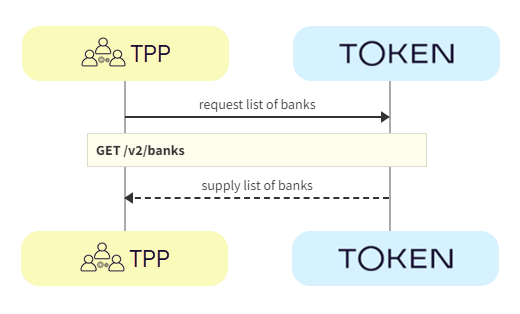
a. TPP -> Token.io - The TPP requests the list of banks from Token.io.
b. Token.io -> TPP - Token.io supplies the list of banks to the TPP.
The user selects the bank.
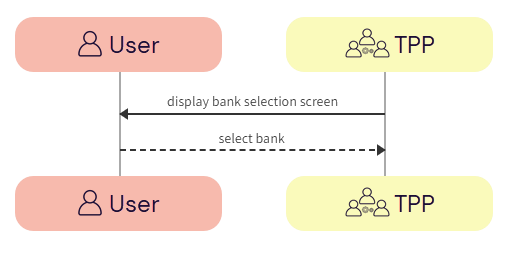
a. TPP -> User - The TPP displays the bank selection screen.
b. User -> TPP - The user selects the bank.
The TPP accepts consent from the user. For more information see User consent collection.
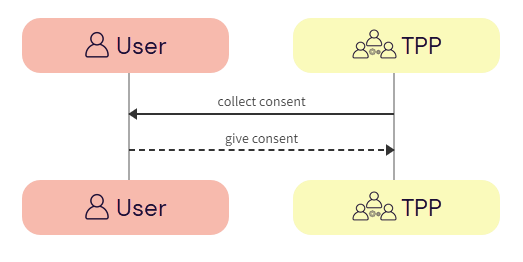
a. TPP -> User - The TPP initiates consent acceptance from the user.
b. User -> TPP - The user gives consent to the TPP.
The TPP may need to capture additional mandatory fields and initial credential information from the user for successful authentication and authorization with the bank.
The TPP sends the additional credentials captured in the GET /v2/banks call with the POST /v2/payments call.
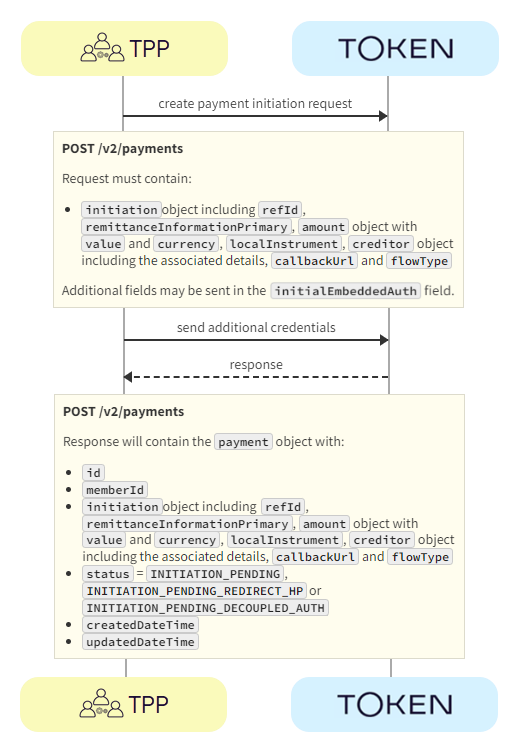
a. TPP -> Token.io - The TPP creates the payment initiation request using the POST /v2/payments call.
If you're using Settlement accounts and you're an unregulated TPP, you'll always need to send the SettlementAccountId of the sub-TPP in the POST /v2/payments request.
b. TPP -> Token.io - The TPP sends the initial credentials fields with the POST /v2/payments request in the initialEmbeddedAuth field.
c. Token.io -> TPP - Token.io generates a response to the payment initiation request.
If you're subscribed to webhooks, Token.io sends the payment status in a webhook every time a payment is created or updated.
See Webhooks for an example webhook notification.
If payment status is INITIATION_PAYMENT_DECOUPLED_AUTH then the bank will challenge the user to authenticate themselves outside of the API integration. This could be in the form of an SMS to the user’s registered phone number with the bank, biometrics through a POS device, or a push notification triggered from a bank app.
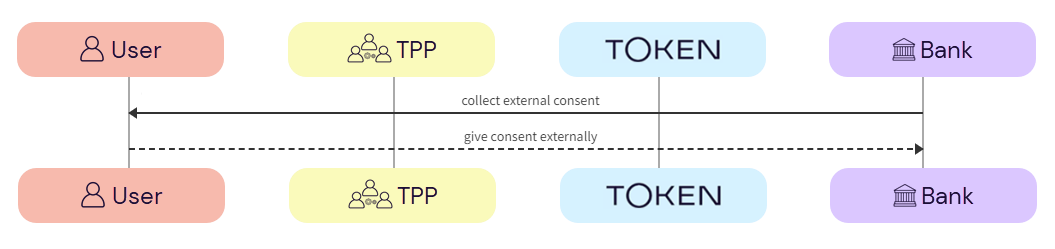
a. Bank -> User - The bank requests additional authentication from the user, through an external source, e.g., SMS, POS.
b. User -> Bank - The user gives additional authentication credentials to the bank via an external source.
The user completes authorization with the bank.
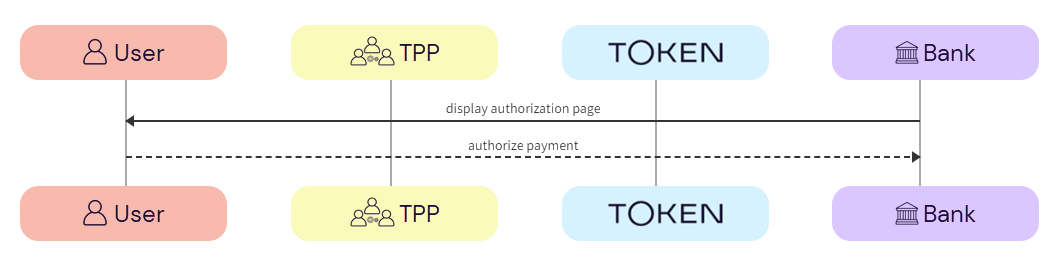
a. Bank -> User - The bank displays the authorization page to the user.
b. User -> Bank - The user authorizes the payment with the bank.
The TPP consumes the Token.io callback.
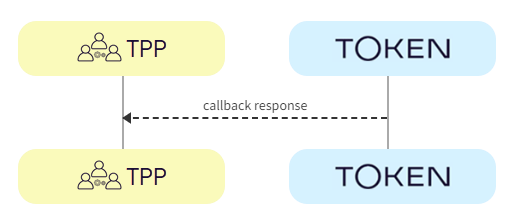
a. Token.io -> TPP - The TPP consumes the Token.io callback.
If TPP callback is in use, refer to [TPP callback](payments-v2-considerations.htm#TPP_callback) for more details.
Token.io recommends that TPPs subscribe to webhooks to receive payment status updates. As a fallback, TPPs can also poll Token.io for the current status of an initiated payment request.
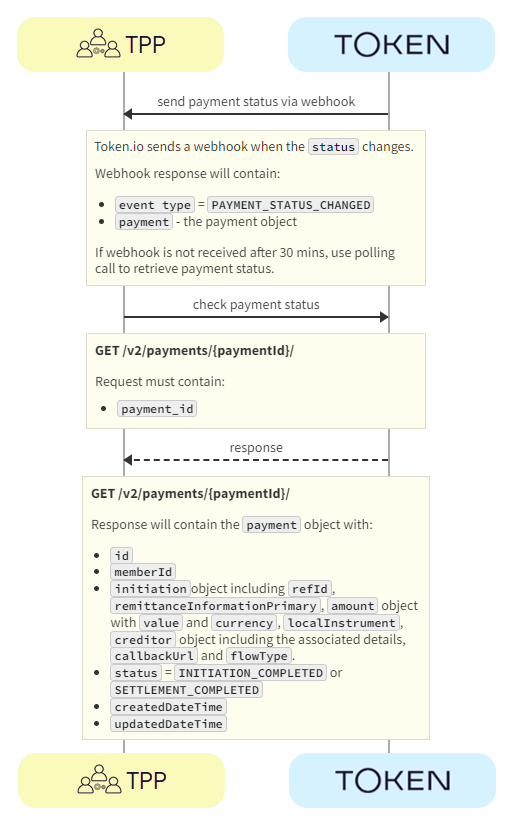
a. Token.io -> TPP - Token.io sends the payment status to the TPP in a webhook.
SeeWebhooks for an example webhook notification.
b. TPP -> Token.io - The TPP checks the status with Token.io with the GET /v2/payments/{paymentId} request.
c. Token.io -> TPP - Token.io confirms the payment status with the GET /v2/payments/{paymentId} response.
If you're using Settlement accounts and the payment initiation request is successful, once the payment has been reconciled, the status will be SETTLEMENT_COMPLETED. Depending on the payment rail used, this can take a while.
If you're not using Settlement accounts, the status will be INITIATION_COMPLETED, but this doesn't guarantee that the payment has been settled.
If the status is non-final, e.g., INITIATION_PROCESSING, wait for additional webhooks to be sent. If the webhook is not received, use a polling call every 120 mins.
The recommended maximum polling time is 30 days. If the bank doesn't update the status, the status will change to INITIATION_NO_FINAL_STATUS_AVAILABLE after 30 days.
See HTTP errors for information on HTTP error status codes.
If you have any feedback about the developer documentation, please contact devdocs@token.io